
Time Squeeze Onboarding
Watch the video
Section titled “Watch the video”Or, follow these steps
Section titled “Or, follow these steps”-
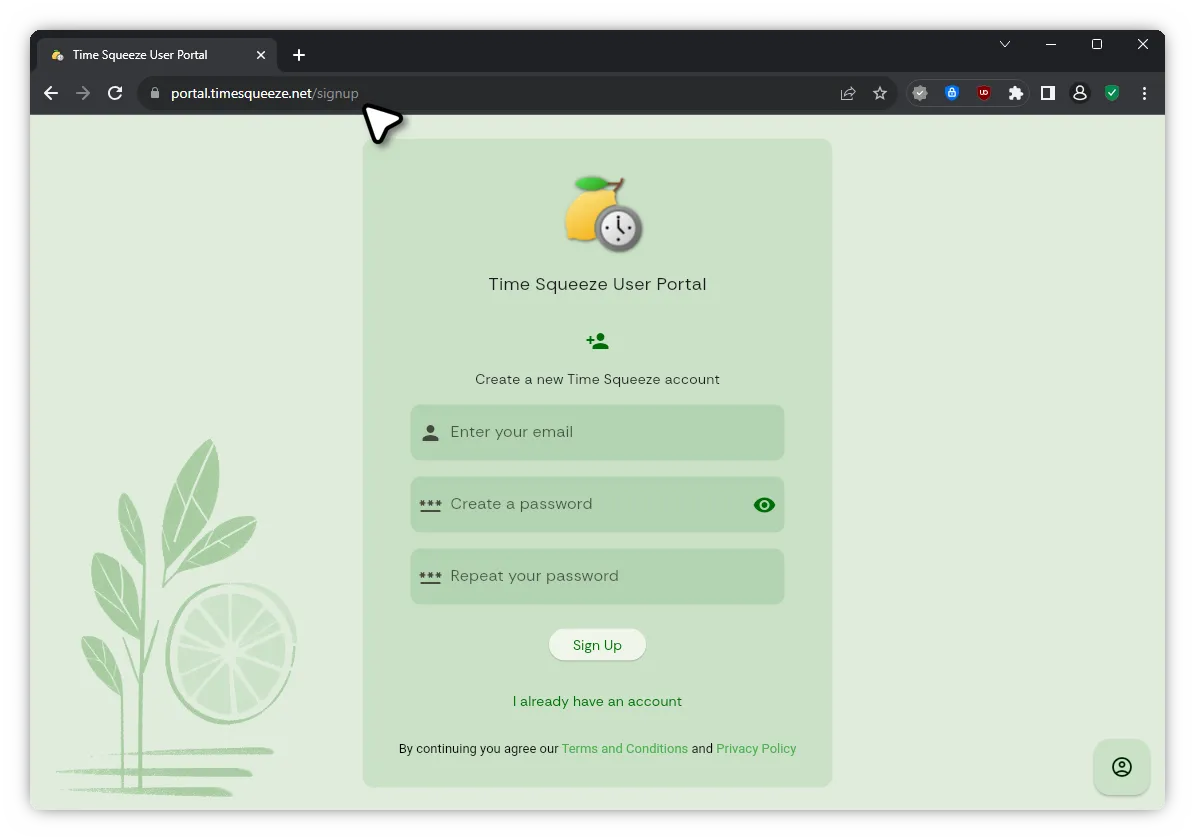
Create an account on portal.timesqueeze.net
- During email verification, ensure that the one-time password did not go into spam.
-
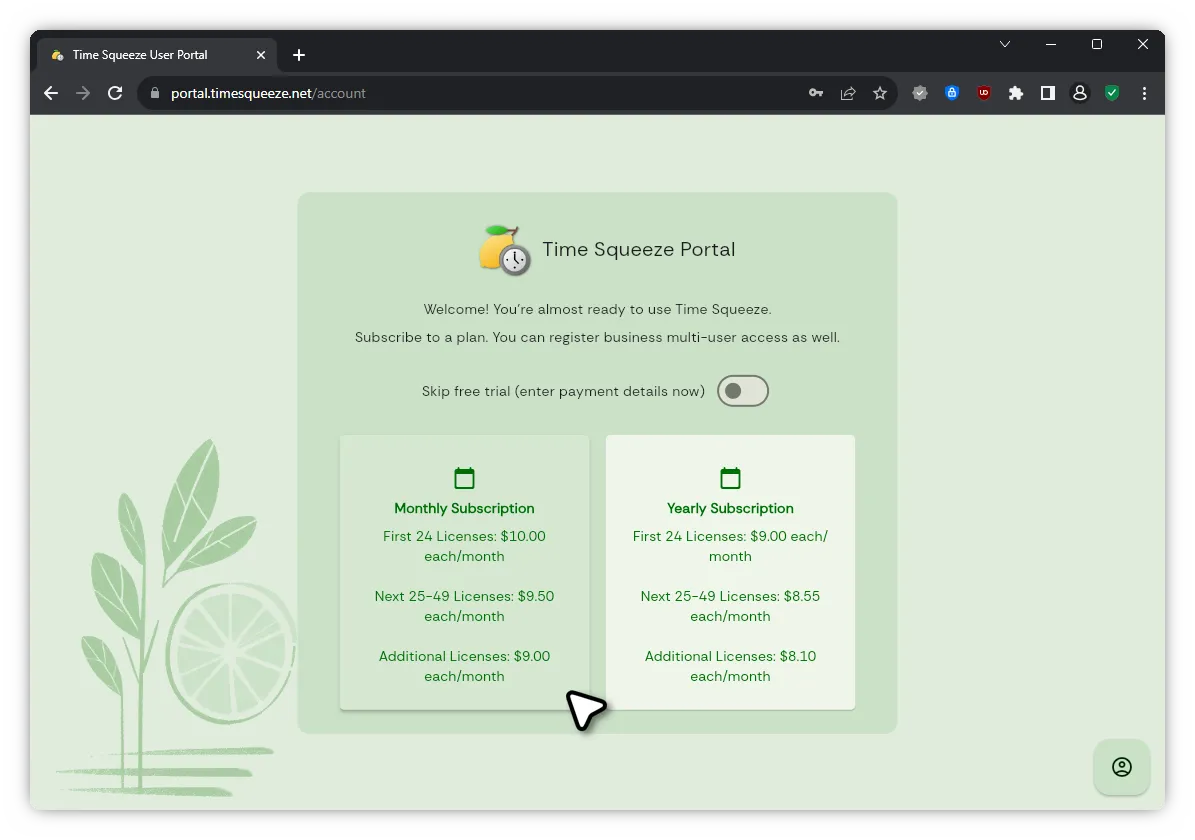
Select a plan
- Optionally, you can skip the free trial and enter your payment details immediately.
-
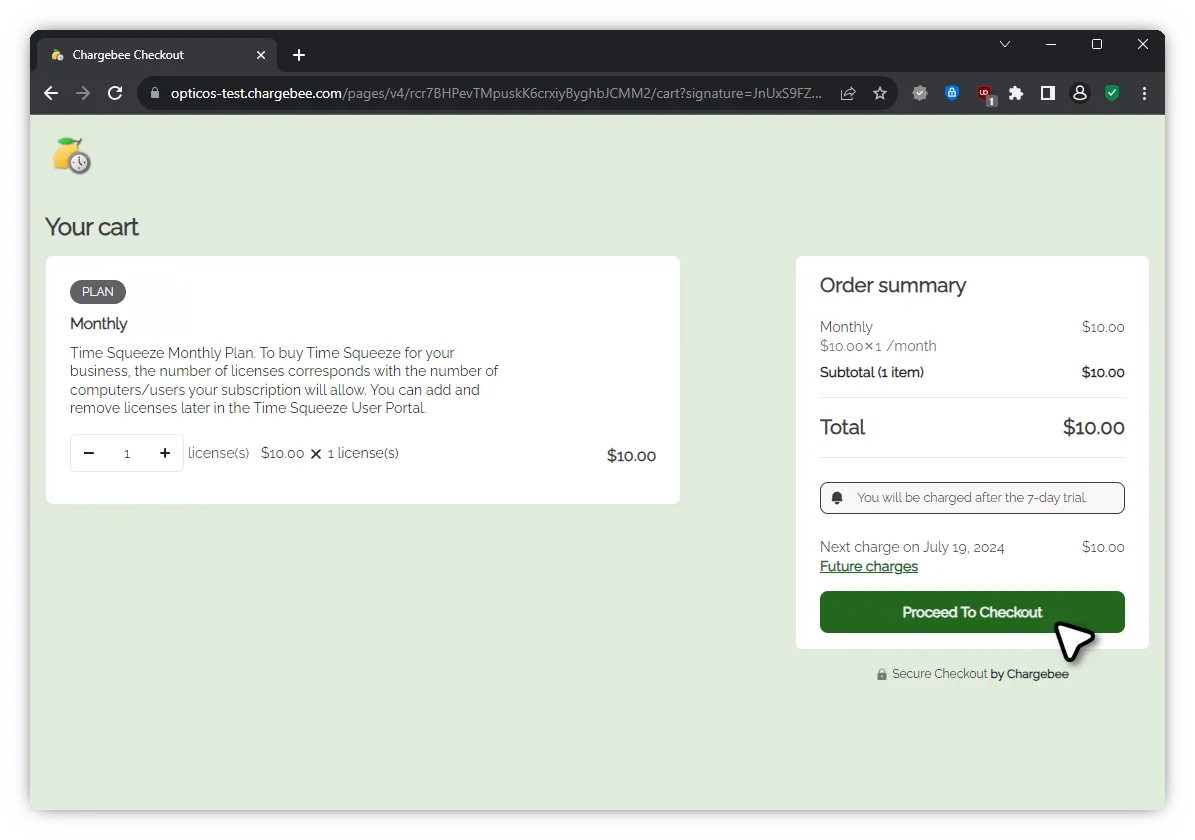
Select the desired number of licenses (devices) and click proceed
- You can add additional licenses at anytime in the Time Squeeze portal.
-
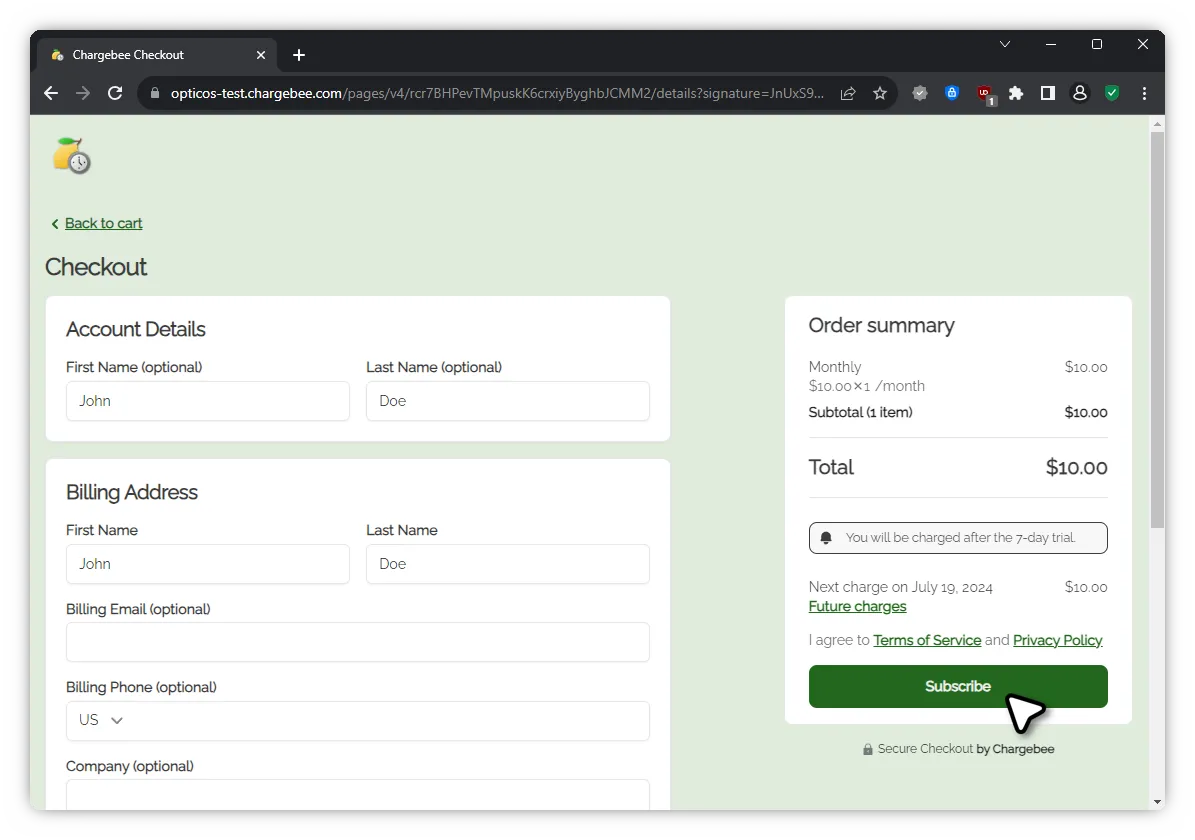
Enter your information and click subscribe
- Payment details are not required for the free trial.
- If you have opted to skip the free trial, enter your payment details now.
- Otherwise, you can add payment details later in the Time Squeeze portal.
- Additionally, you will receive payment instructions via email.
-
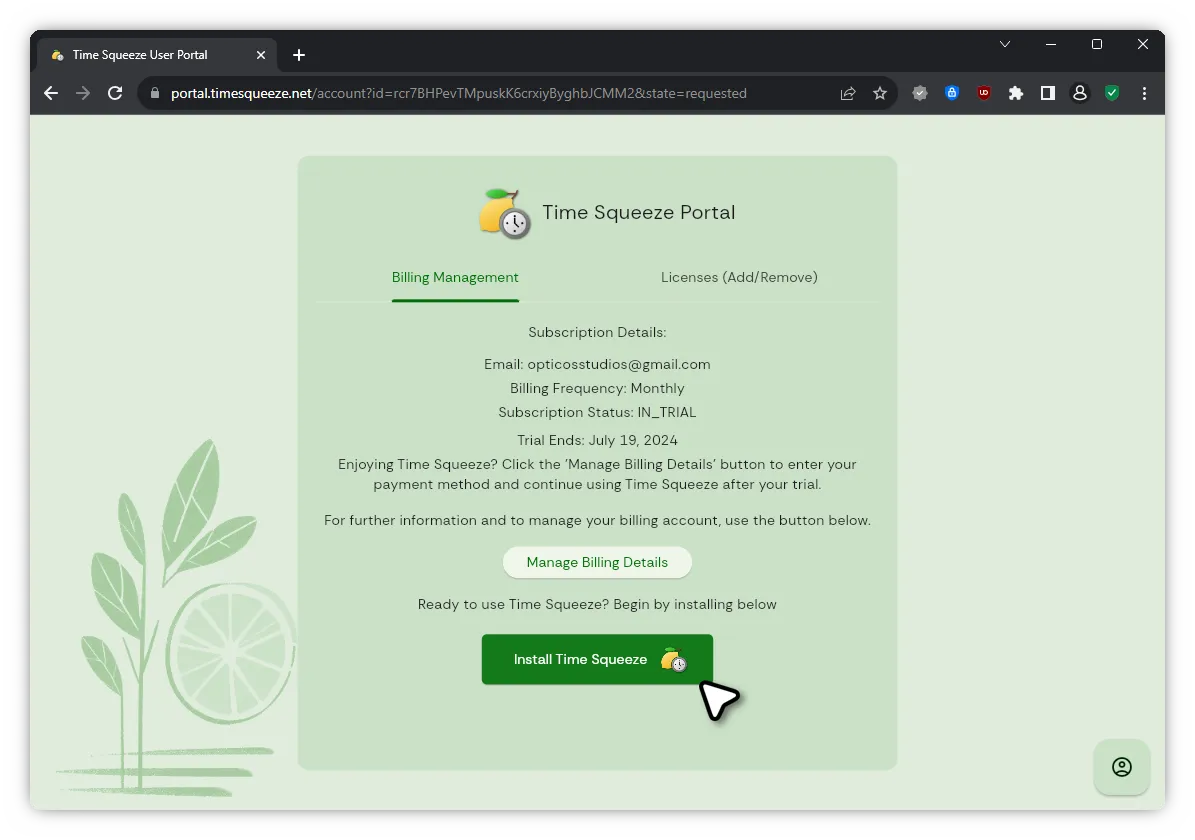
Once you are redirected to the Time Squeeze portal, click “Install Time Squeeze”
-
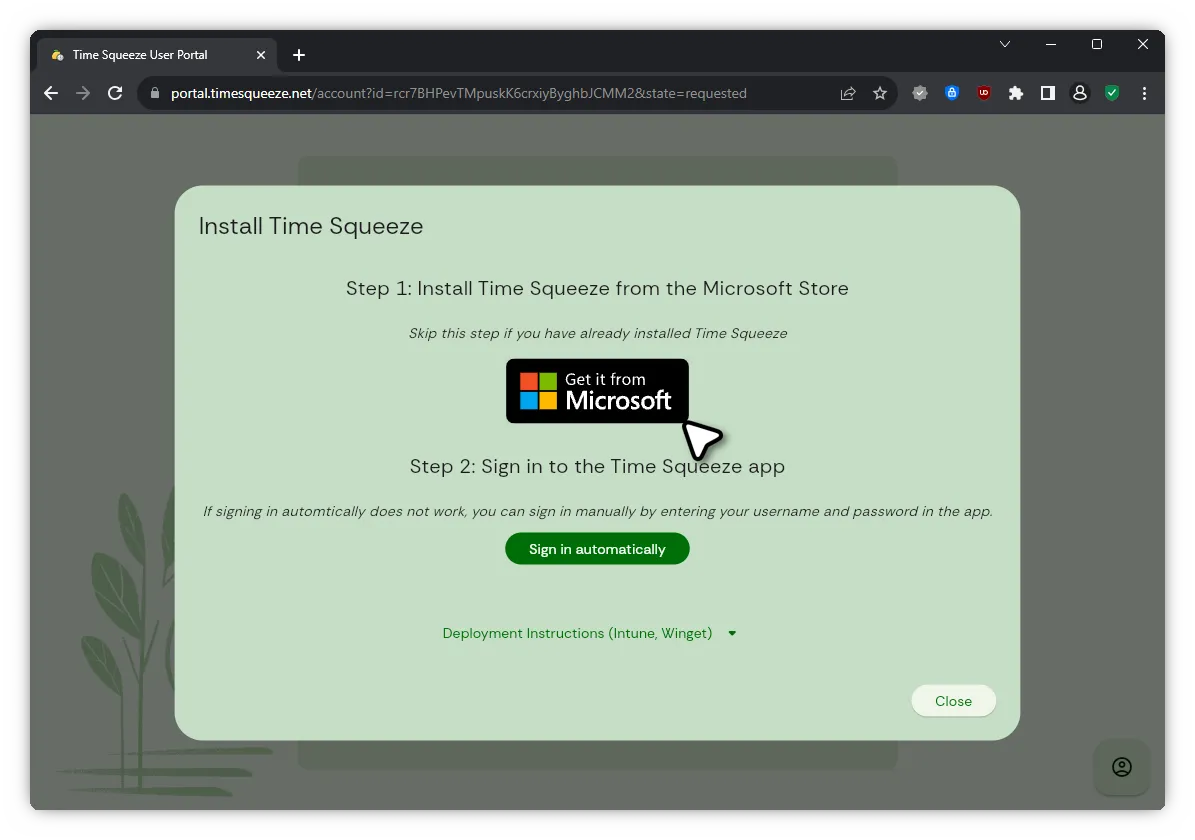
Click “Get it from Microsoft” to download the app from the Microsoft Store
- If you have already installed the app, you can skip this step.
- You can also download Time Squeeze here: Get it on the Microsoft Store
-
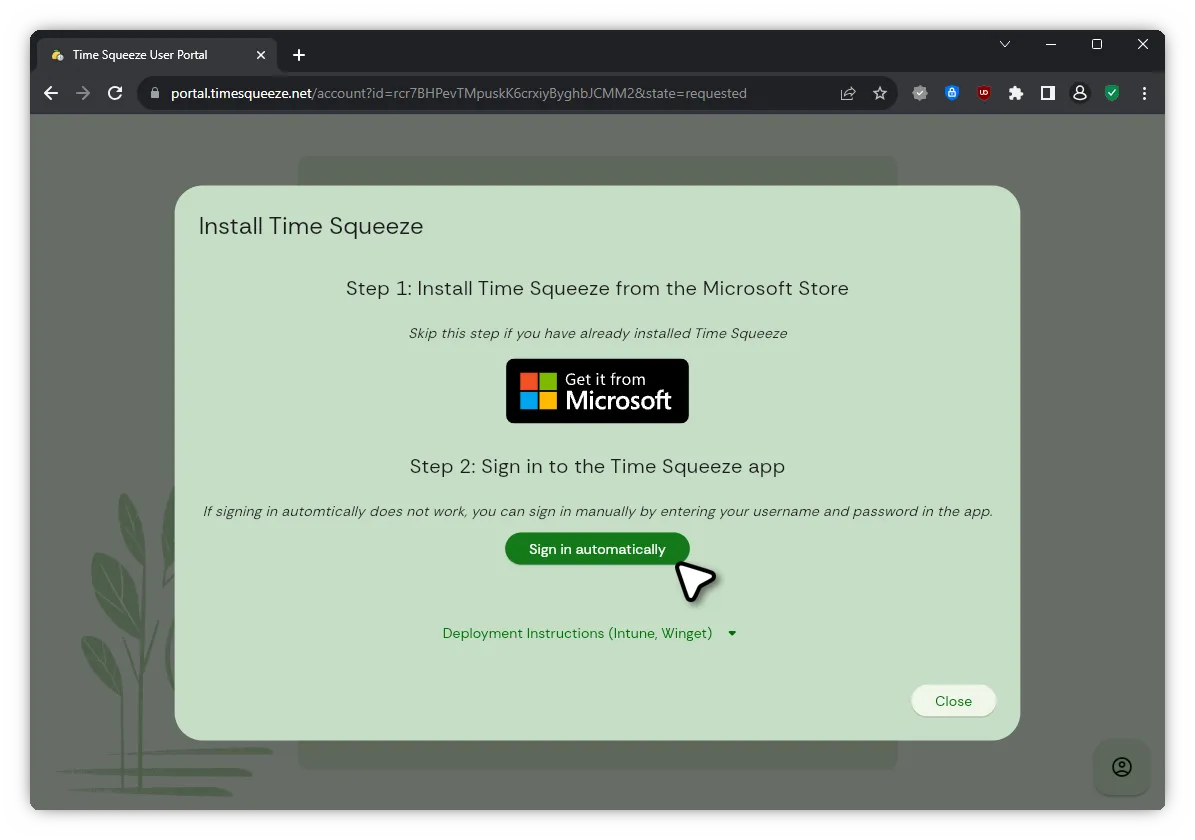
Once installation has completed, click “Sign in automatically” or simply log into the app with your username and password
-
You are now ready to use Time Squeeze!